Access the Lab Environment in Skytap
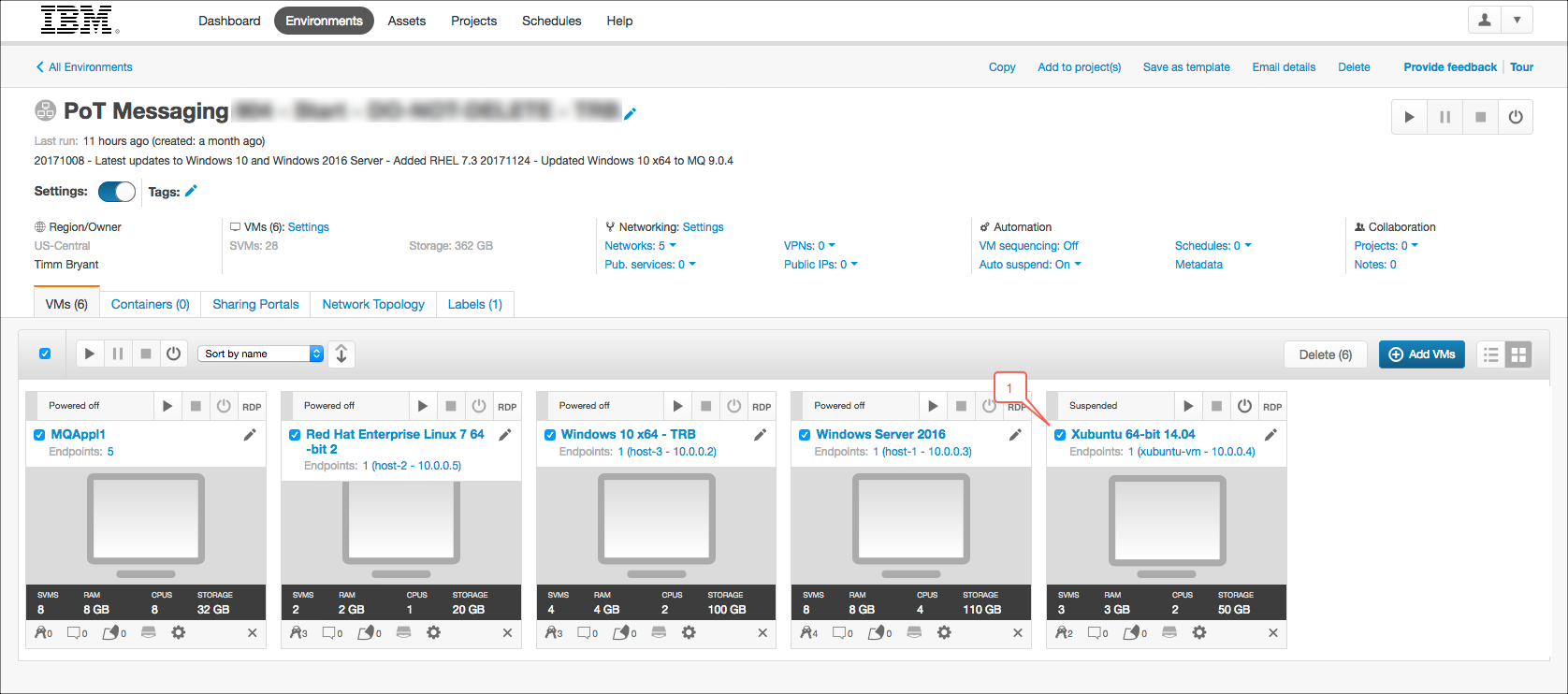
You should have already received a URL from the instructor. Open a browser and navigate to the URL, which will open a Skytap environment. The Skytap lab environment for the PoT is shown below. There are a number of of VMWare images in this Environment. You will be using the Ubuntu 64-bit 14.04 virtual machine.
Start the Virtual Machine
Click the run button as shown below to start the virtual machine that will be used for this lab.
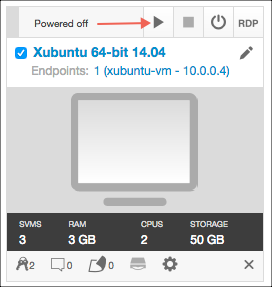
Once the virtual machine has started click on the screen image to launch a new browser window where you can start your lab exercise.
Prepare Salesforce Developer Account
If you already have a developer account for Salesforce then ensure that you have the following:
- Your Salesforce developer ID
- Your Salesforce password
- Your API key for using Salesforce API’s.
If you do not have a developer account for Salesforce then refer to the following Create Salesforce Developer Account document for instructions on how to create an account.