Access the Lab Environment in Skytap
If you are running this lab independent of an event, click this link to reserve a demo which will provision a Skytap environment. Reserve your demo environment
If you are running this lab as part of a PoT event, the instructor will provide a URL for you to access a Skytap environment. Open a browser and navigate to the URL which will open the Skytap environment.
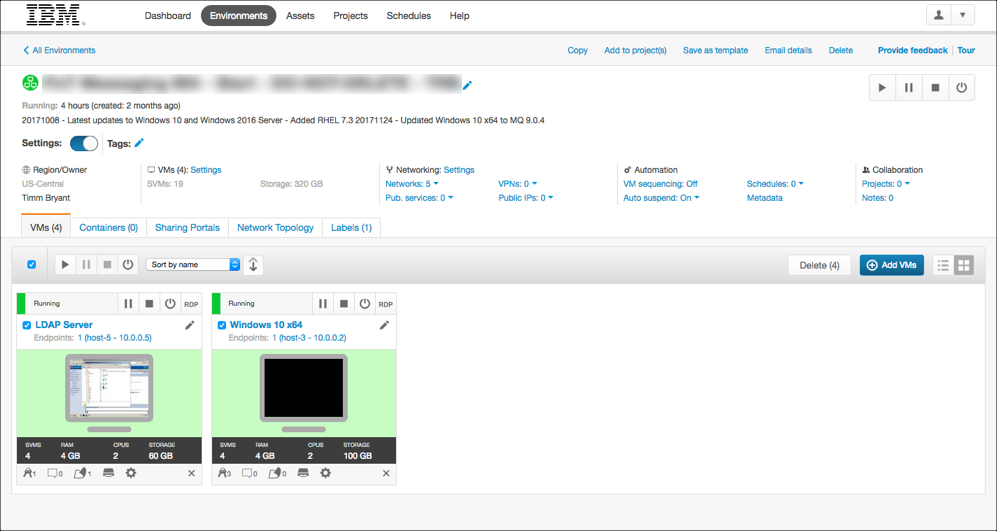
The Skytap lab environment for the PoT is shown below. There are a number of of VMWare images in this Environment. You will be using the LDAP Server and Windows 10 x64 virtual machines to complete this lab.
Start the Virtual Machines
Click the run button on each virtual machine as shown below.
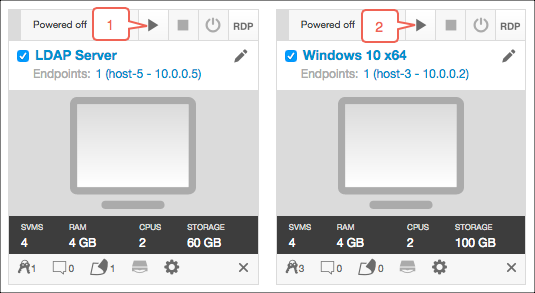
You will only need to login to the Windows 10 x64 image for this lab. Once both virtual machines have started click on the RDP link or on the screen image in the Windows VM to start the lab.