IBM Integration PoT Labs Home page
Setup environment for MQ PoT
Download artifacts for MQ on CP4I PoT
You should be logged on your VDI as ibmuser.
-
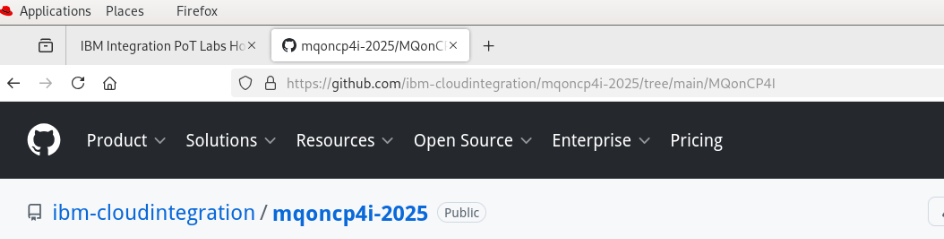
Open a Firefox browser tab and navigate to Github MQonCP4i.
-
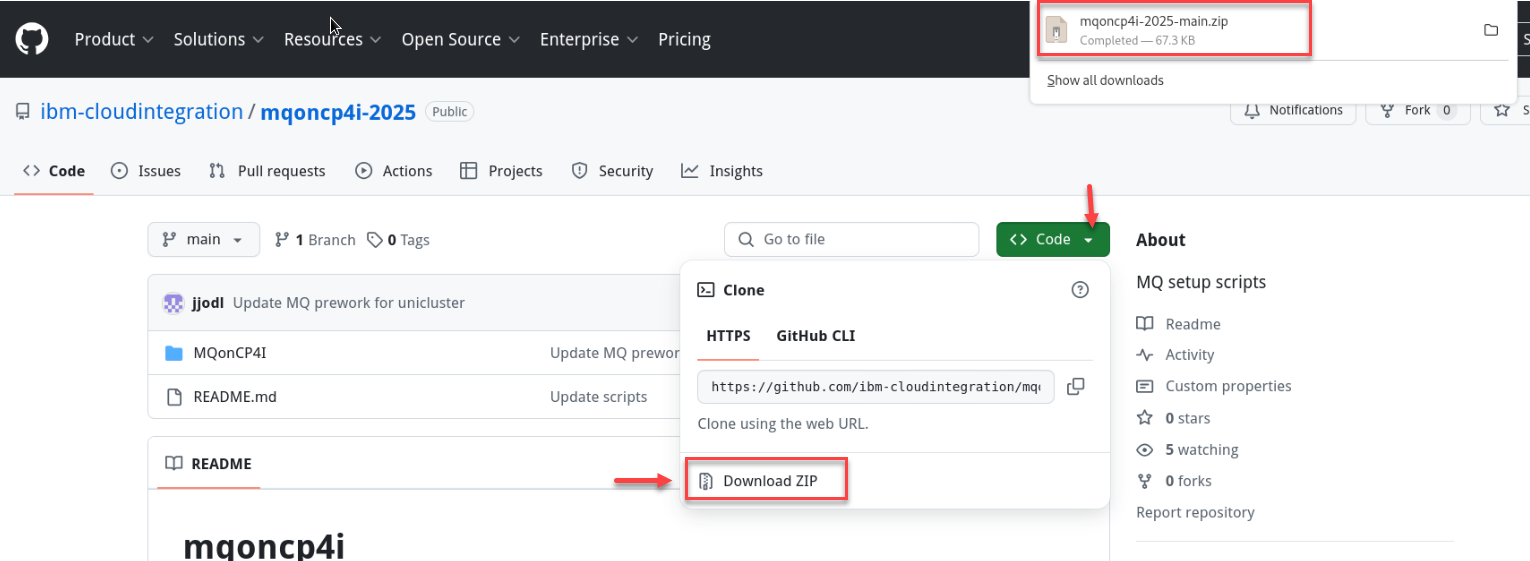
Click Code and select Download zip.
-
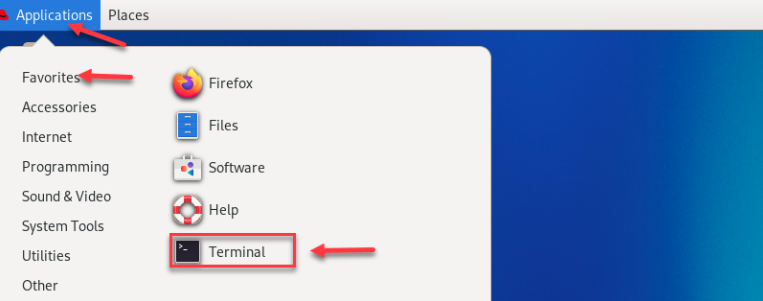
Open a terminal window by clicking on the Application on top menu and under Favorites click the icon for Terminal.
-
Enter the following command to see the zip file you just downloaded.
cd Downloads -
Enter the following command to unzip the downloaded file:
unzip mqoncp4i-2025-main.zip -
Change to the main directory of the zip file you unzipped.
x`Move the unzipped directory to your home directory with the following command:
cd mqoncp4i-2025-mainmv MQonCP4I/ ~/cd ~/MQonCP4I ls -l -
Now we will need to change the mode to executable for all the scripts. From the MQonCP4I directory run the following command.
find . -type f -iname "*.sh" -exec chmod +x {} \; -
Now we will run the script that will create all the install scripts for your userid.
 ./MQ_setup.sh
 -i \<your student number\>
 -n \<your openshift student namespace\>
Example: If I am student2 I would do this.
./MQ_setup.sh -i 2 -n student2
Great! You are now ready to start working in the MQ and Kafka labs.